
Study better.
Not longer.
Record class, get a clear summary, and turn your notes into quizzes and flashcards when it's time to study.
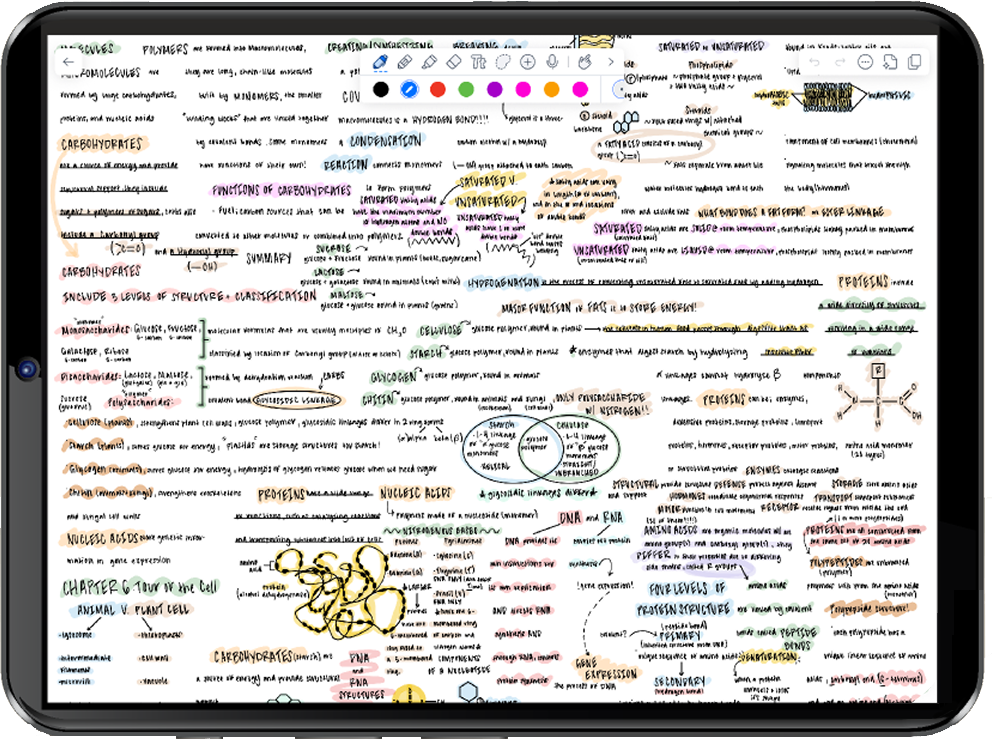
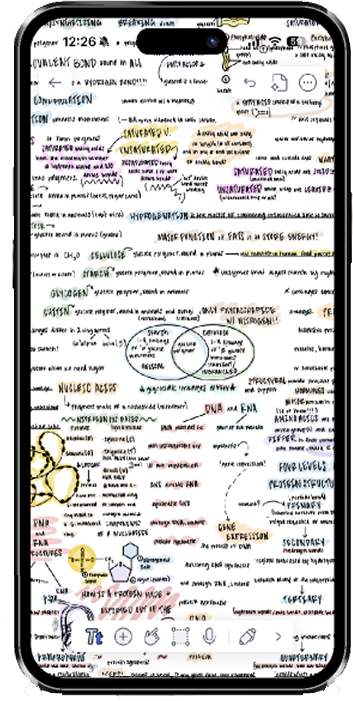
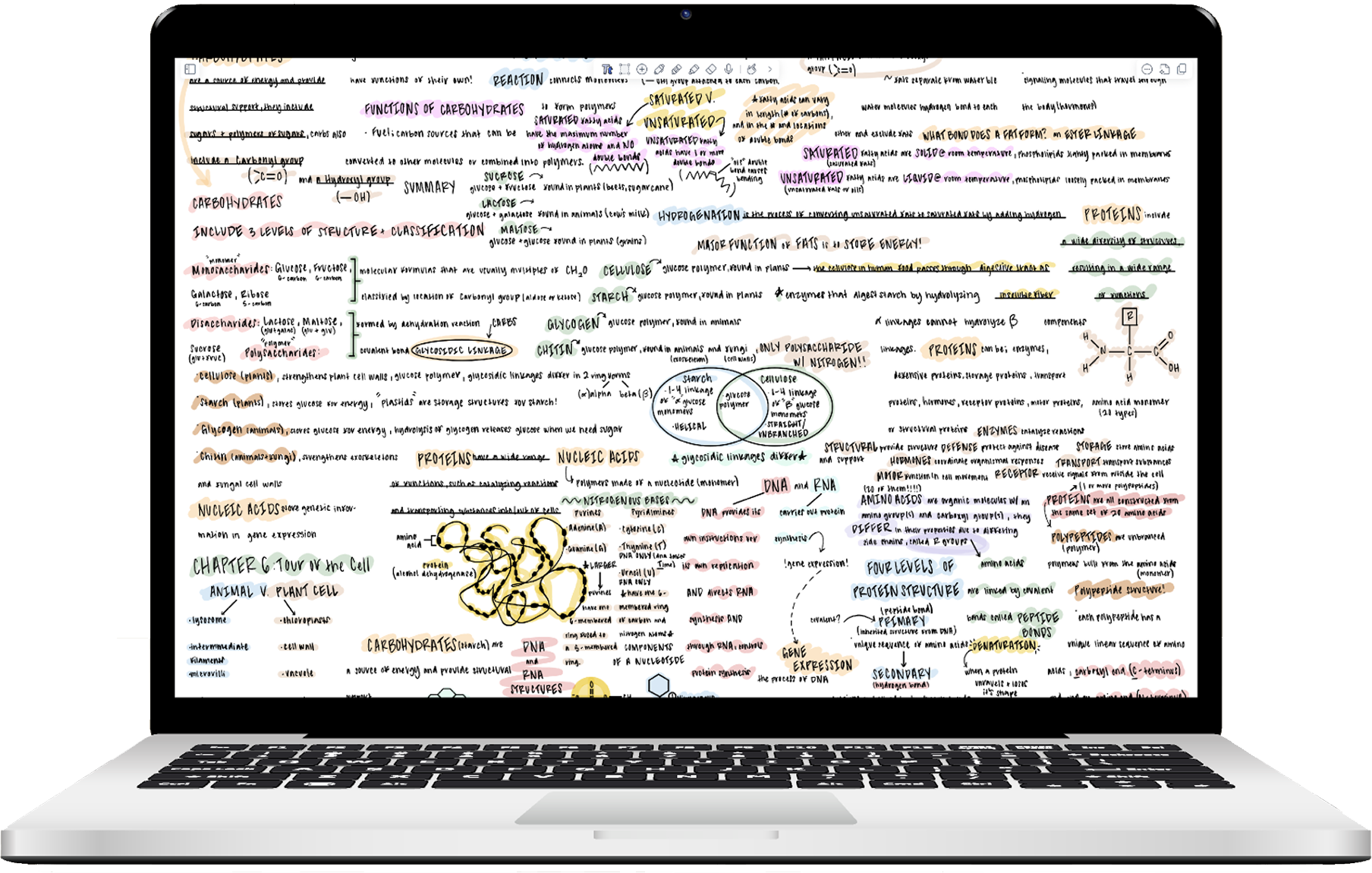
Your entire study workflow.
One app.
Record every word.
Miss nothing.
Tap record. Notability transcribes every word, synced to your exact notes. Even when the professor moves fast.
Annotate what matters.
Everything stays connected.
Import lecture slides, syllabi, readings. Highlight and add notes directly on top — linked to every recording you've made.
Study smarter.
Walk in ready.
Quizzes generated from your own notes — no setup needed. Test yourself on exactly what your professor covered.
More than notes.
A complete study tool.
Paste a link.
Get a study guide.
Drop in any YouTube URL — lecture, tutorial, explainer — and Notability turns the transcript into organized notes and a quiz. No listening required.
- Works with any public YouTube video — lectures, tutorials, office hour recordings
- Automatically generates Smart Notes & a quiz from the video transcript
- Skim the key points in minutes, not the full runtime
Try it before your next lecture.
Free to start. No credit card required.
“Notability has absolutely saved me time and reduced my stress, and improved my retention. 10,000%.”
Shelby
Clinical Anesthesia Student · 2 years
“Having notes generated so quickly with Smart Notes makes me feel like I've got a lot less work to do.”
Ruby
Law Student · 1 year
Individual Plans


Download Notability for free
FAQ
Is Notability free to get started?
Yes. Starter is free — unlimited note-editing, PDFs, all tools. No credit card required.
I don't have an iPad. Does Notability work on my laptop?
Yes. Notability works on iPad, iPhone, Mac, and via web browser — including Windows and Chromebook. Notes sync automatically across every device.
How does lecture recording work?
Tap record at the start of class. Audio timestamps sync to every note you write. Tap any line to replay that exact moment. Transcription available on Plus and Pro.
How do quizzes and flashcards work?
Notability analyzes your notes and generates questions automatically — no setup. Choose session length (15, 20, or 25 minutes). Available on Plus and Pro.
What's the difference between Plus and Pro?
Plus gives core AI features with monthly caps. Pro removes all limits and adds real-time Smart Notes transcription and Chat with Notes.
What makes Notability different from Apple Notes?
Apple Notes stores information. Notability is built to help you learn from it — recording, transcription, AI summaries, and quizzes are designed for how students actually study.
Have more questions? Visit our Help Center

 in San Francisco