

Mark up your plans on iPad. Skip the Bluebeam price tag.
Handwriting that moves like paper. Live co-editing your whole crew can join. Native on iPad, iPhone, Mac and web.
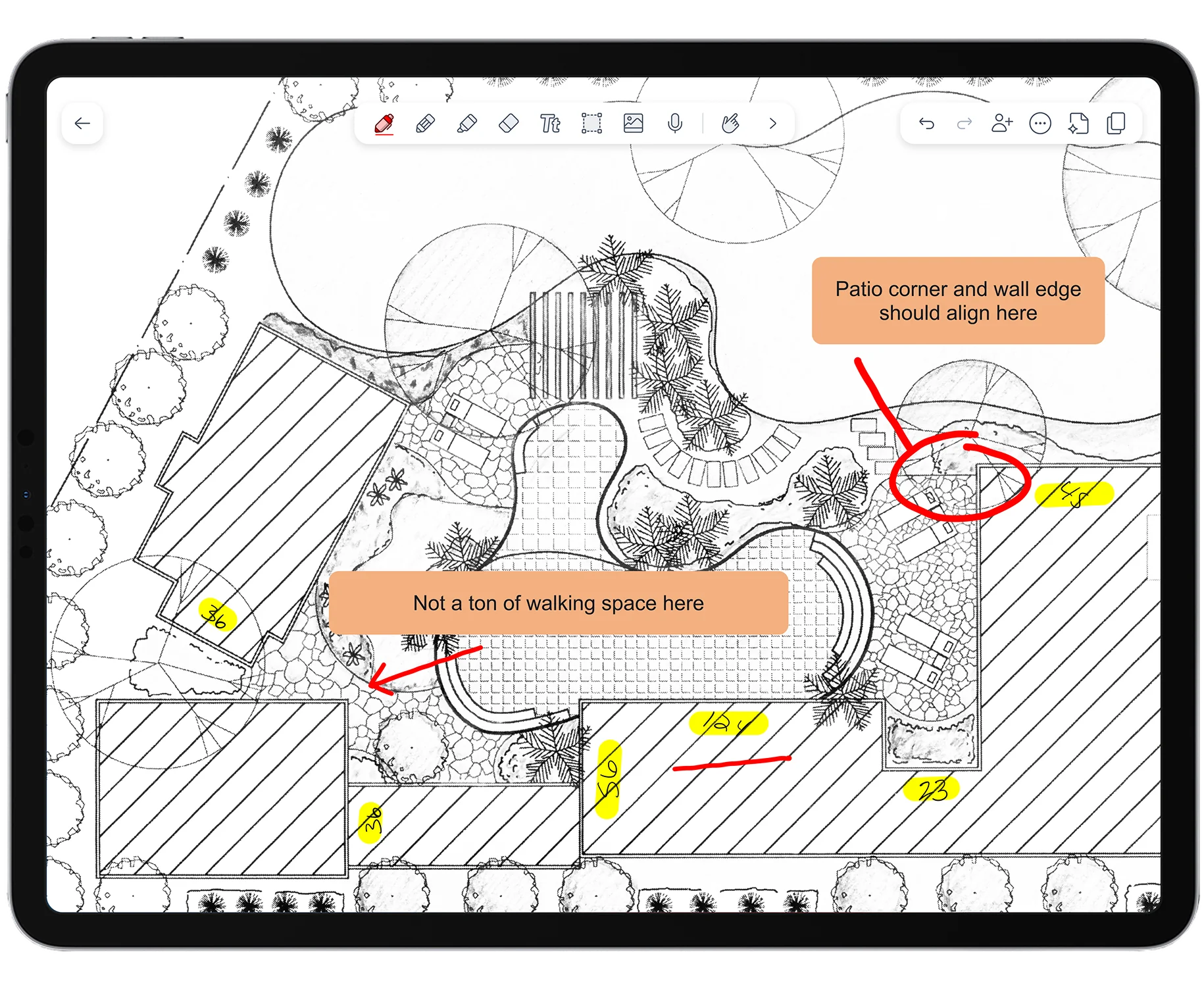
Bluebeam makes two things hard — we make them easy.
Bluebeam has a real pen. Where Notability pulls ahead is what happens after you draw, and who can work on the drawing with you.
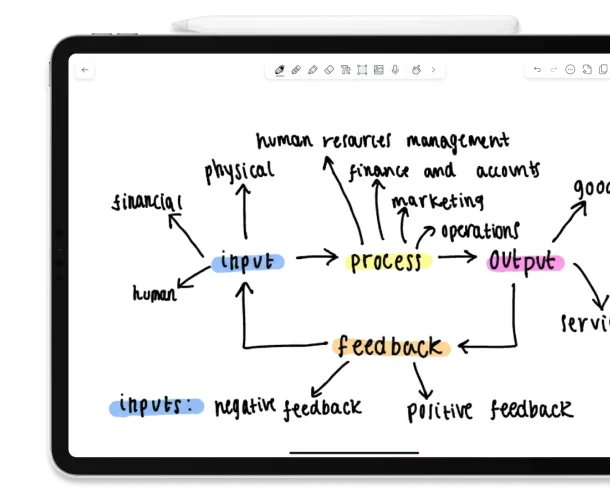
Handwriting that moves like paper
Draw with Apple Pencil, then move, resize, rotate and regroup any markup after the fact. Your ink is an object you can rearrange, not a stroke you are stuck with.
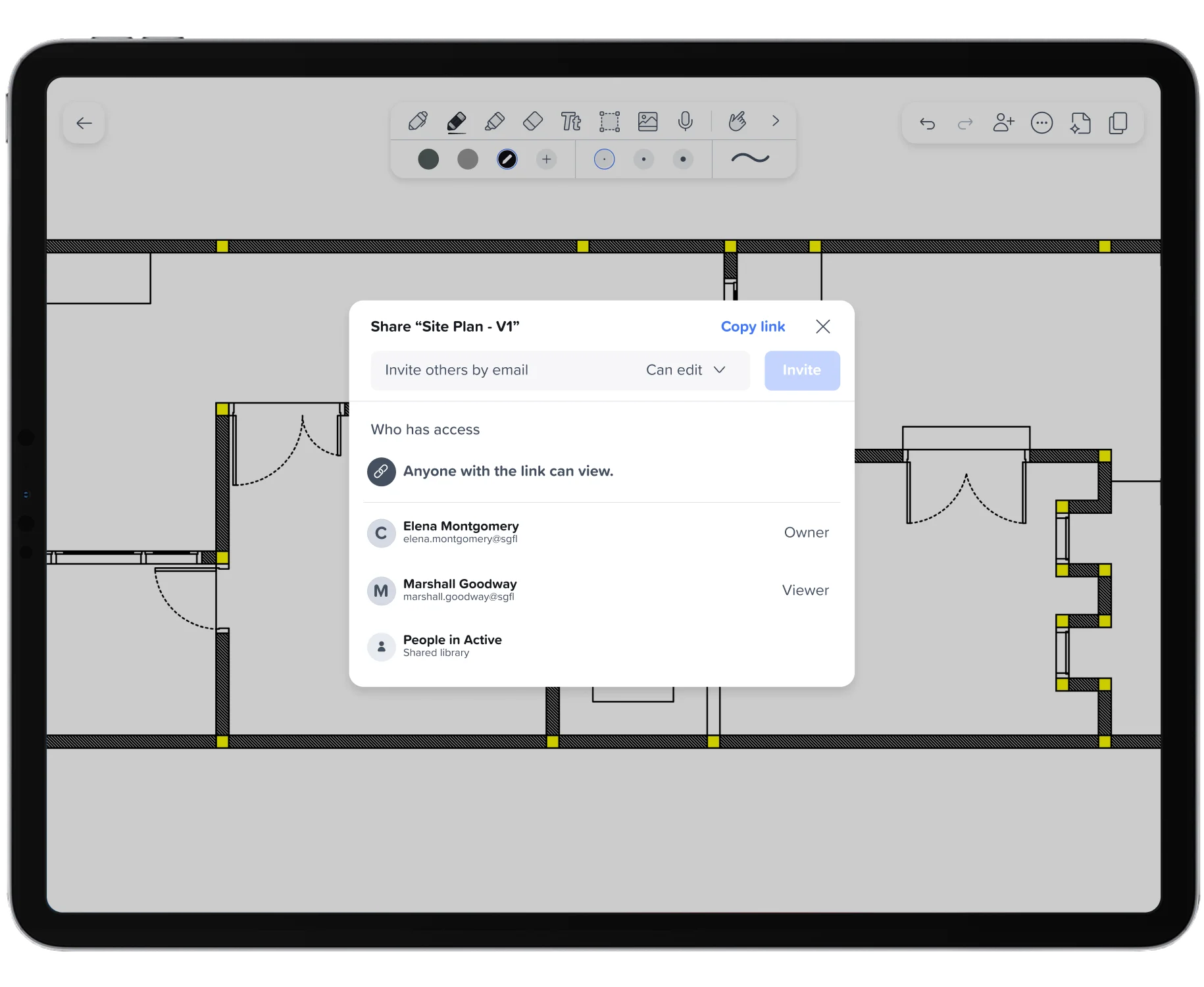
Live co-editing, not author-locked
In a Shared Library, anyone with Edit access works in the same note in real time. In a Bluebeam Studio Session, each markup stays locked to its author, so a teammate cannot move or edit it.
Where we win, and where Bluebeam leads.
| Capability | Notability for Business | Bluebeam Revu |
|---|---|---|
| Freehand pen & highlighter markup | Yes - Pen, Highlighter, Ruler, Select | Yes - Pen, Highlighter, Ruler, Select |
| Move, resize & rotate handwriting after you draw | Yes - Ink behaves like an object | Limited |
| Real-time co-editing of the same markup | Yes - Anyone with Edit access | Limited - Author-locked in Studio Sessions |
| Record audio alongside your markup | Yes - Capture the walkthrough as you draw | No - No native audio recording |
| Price per user, per year | Starts at $60 | Starts at $260 |
| Measurement & takeoff depth | Limited - Markup, not takeoff | Yes - Deep measurement tools |
| CAD & PDF engineering integrations | No - Not the focus | Yes - Extensive |
Bluebeam is a trademark of its respective owner. Notability is not affiliated with, sponsored by, or endorsed by Bluebeam, Inc.
Everything you need to mark up plans on site.
Markup on any document
Import floor plans, site maps, change-order sketches, PDFs, DOCs and slides. Annotate on the spot with Pen, Highlighter, Ruler and Select.
Handwriting that moves
Move, resize, rotate and regroup handwritten markups after you draw them. Reorganize a busy sheet in seconds.
Shared Libraries
Teammates work in the same note in real time. Grant View or Edit access on any library or note.
Permissions & roles
Flexible View/Edit permissions on every library and note, plus Owner, Admin and Member roles for team administration.
Audit Log
See who changed what across your team's content.
Scale of Measurement
Easily measure and record length and area directly on your notes.
How a field lead runs plan markup.
Import the plan set
Pull the latest PDF from email or cloud storage straight into a note.
Mark it up on site
Redline with Apple Pencil, drop a revision cloud, measure with the Ruler.
Rearrange as it changes
Move, resize and regroup markups as scope shifts. No erasing and redrawing.
Share with the crew
Add the note to a Shared Library so the team co-edits the same markup live.

 in San Francisco